
2025: When the prompt became the spec
Origins · 2025 · ChatGPT, Claude, OpenAI API, FileMaker
In 2024 I asked AI for things. In 2025 I started telling it how to behave.
The difference sounds small. It changed everything about how I write prompts, because the answers stopped landing in a chat window for me to read. They started landing in software, where another system had to read them. Software doesn’t forgive a creative interpretation.
From a question to a contract
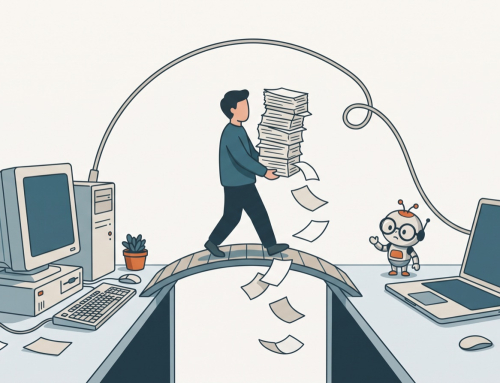
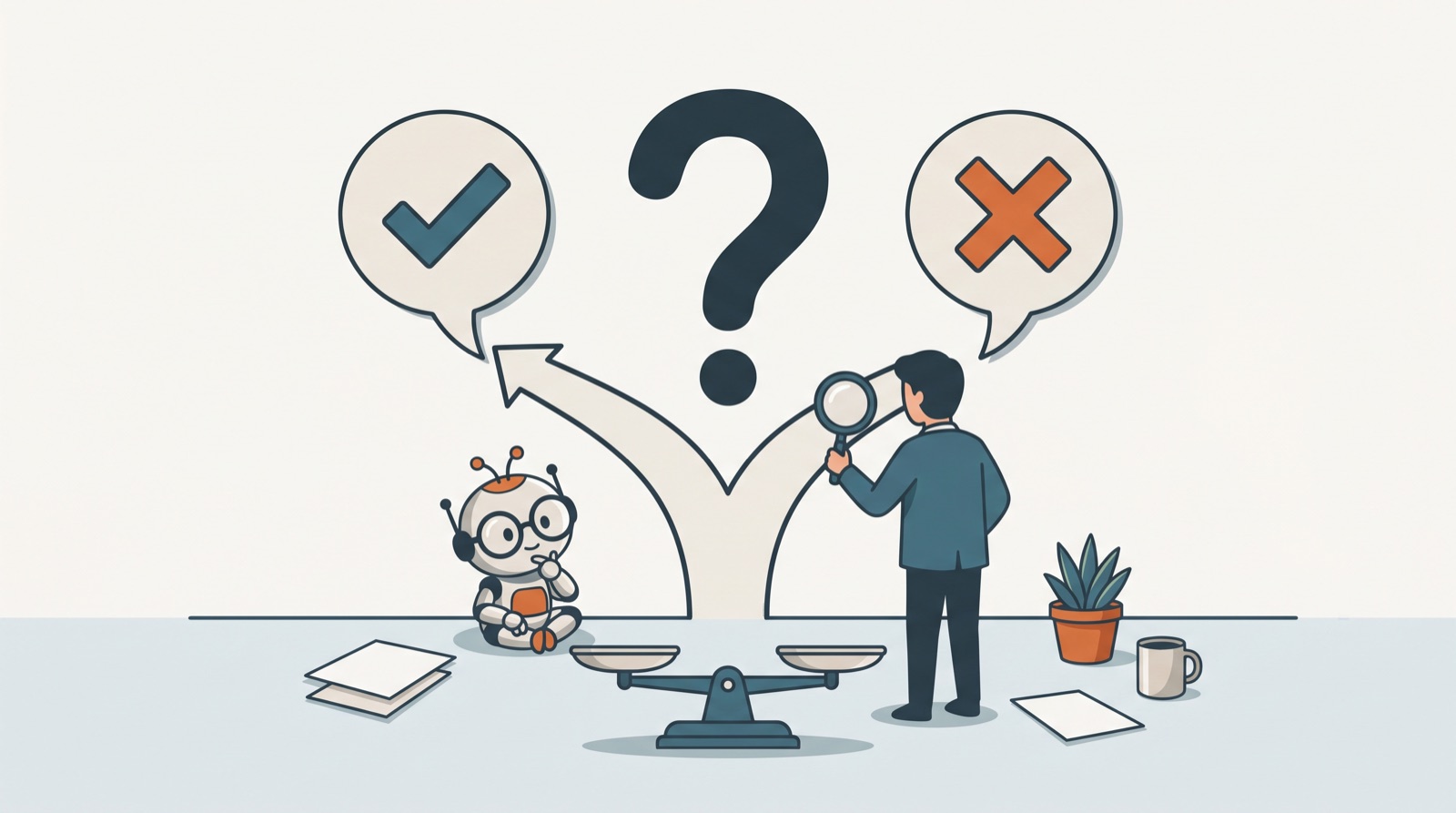
The shift started at the end of 2024 with a comparison. A client system needed to pull information out of scanned documents, and there were two ways to do it. One: run the document through an OCR service to get text, then hand the text to an AI model to structure. Two: skip the OCR and give the model the image directly. We compared them on accuracy, layout, errors, speed and cost.
Once the model’s answer feeds a database, a vague prompt stops being a disappointing reply. It becomes malformed data that something downstream has to deal with.
By March 2025 my prompts looked completely different. One analyzed support tickets, and it had rules:
- report only, take no other action;
- look at activity logs only within a set time window;
- if the customer had already solved the problem themselves, classify the case differently;
- keep the analysis under a fixed length;
- return the result as structured JSON, so FileMaker could read it.
At that point the prompt reads like a specification with a model behind it.
Code by description
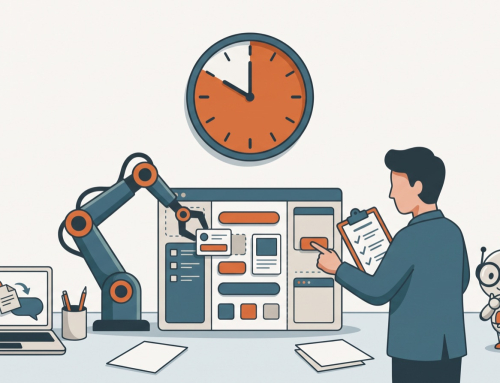
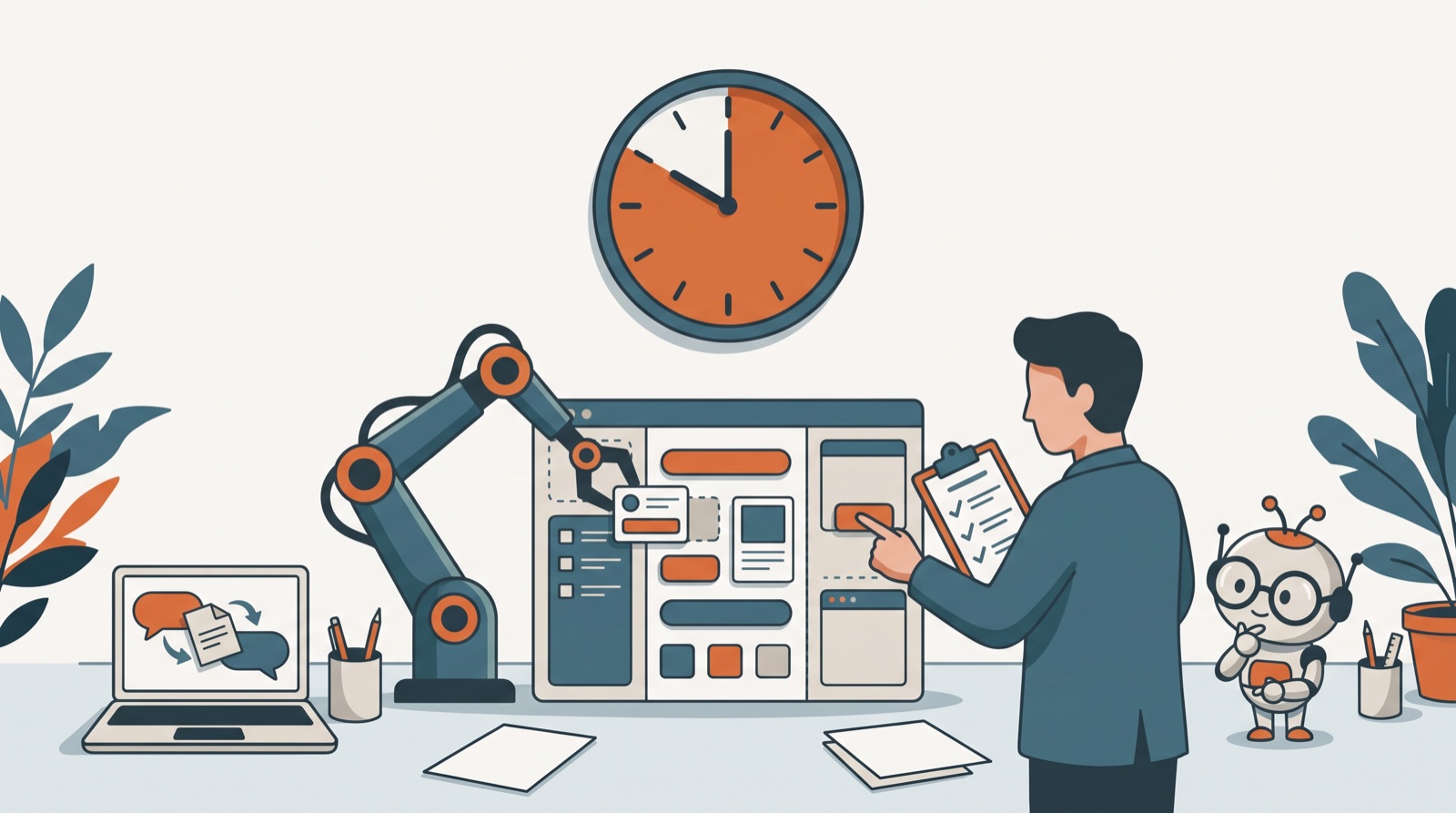
The same year, the code side grew up. A responsive two-column layout for data inside a FileMaker WebViewer. An image viewer with zoom, pan and fit-to-screen. A Markdown preview. A PDF viewer. I described the feature, got a complete self-contained HTML file back, pasted it into FileMaker and tested it.
The prompt that sums up the year is one I typed more than once: “THIS WORKS, SEE IF YOU CAN IMPROVE IT”. Working code became the baseline, something to protect while changing the one part I cared about.
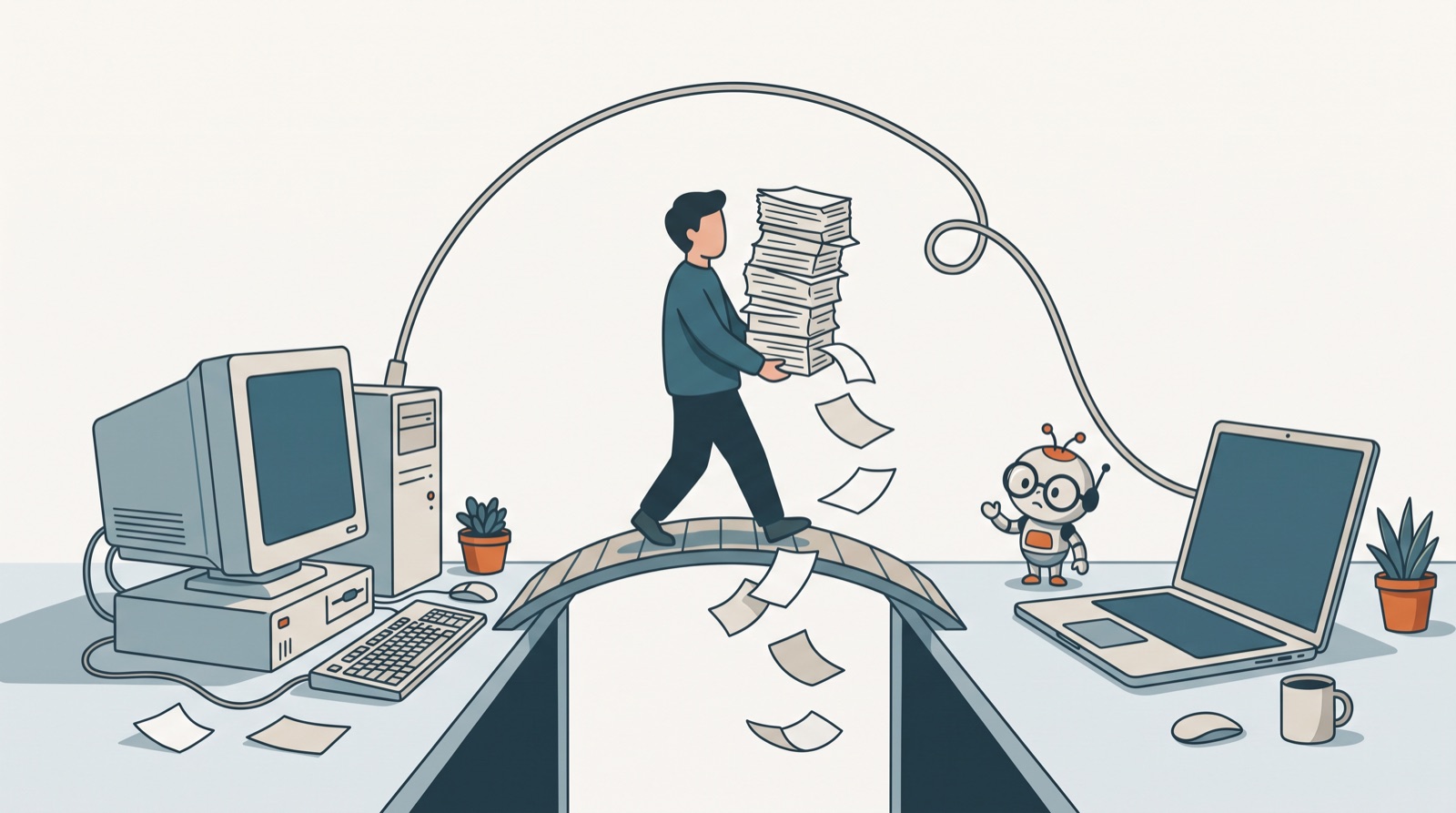
The limits were real. In June a Markdown preview worked perfectly in FileMaker on the desktop and showed a blank screen in WebDirect on an iPhone. No amount of rephrasing fixes that kind of problem. You have to find out what’s different about the environment, and the model can’t see the environment. Only I could.
By the end of the year the speed had caught up with me. I wrote about it at the time: “It runs inside native FileMaker, works with WebDirect, and the speed is honestly wild — stuff that normally takes days can be done in hours.”
Writing that still sounds like me
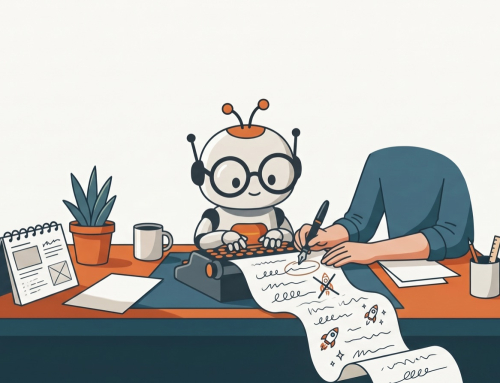
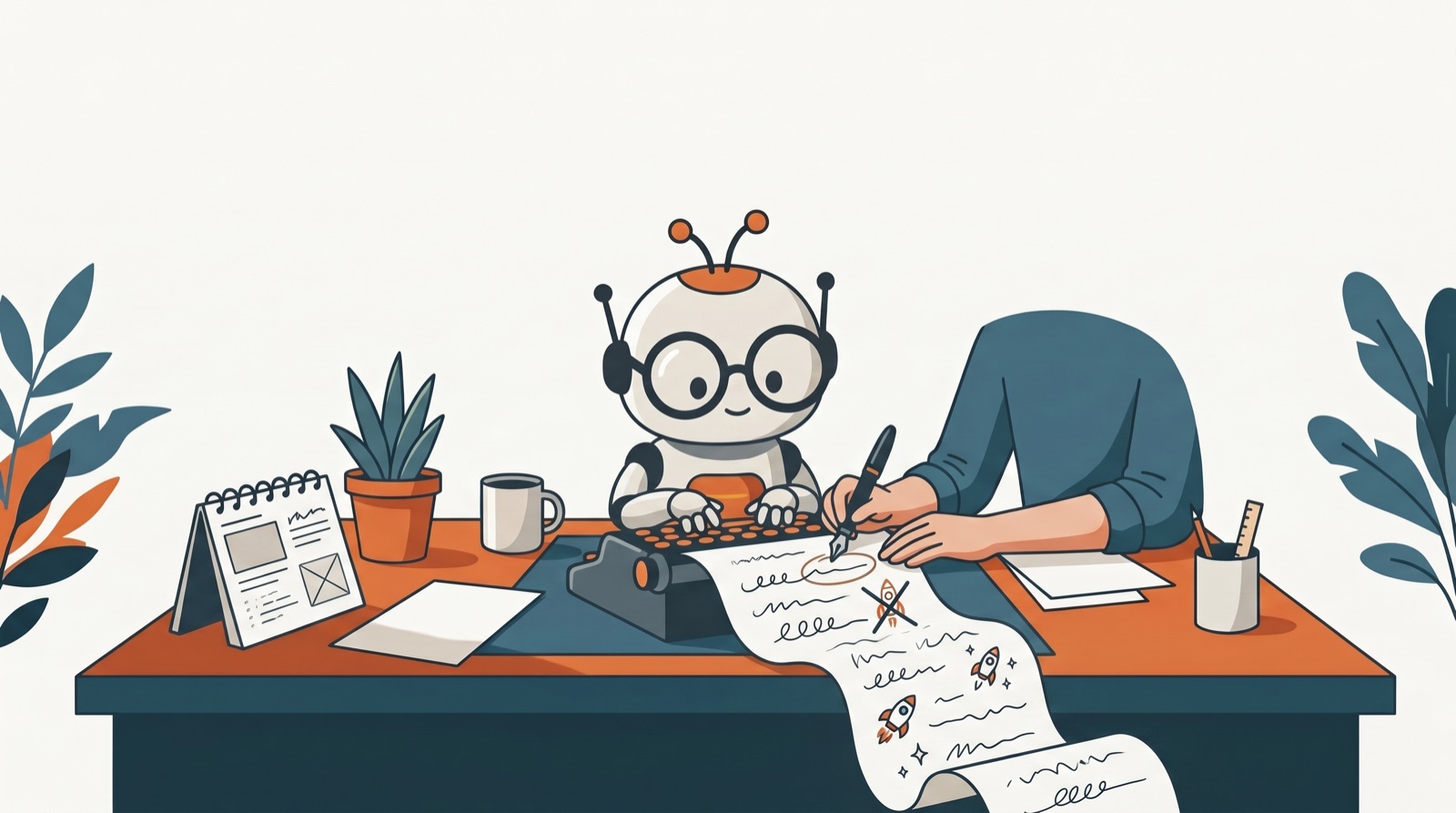
AI was writing more of my words, too. Early in the year I worked on a long year-end report for a client. AI helped draft about 70 percent of it, and I checked every statistic by hand. The first drafts came back in polished executive language, and I sent them back with three words: “in my tone”.
That instruction turned into a whole set of rules over the next year. It has its own post in this series.
A philosophy for imperfect tools
The habit that held all of this together isn’t technical. In August I wrote: “I find 100 mistakes are better the 1 perfect attempt at a feature/solution/something.” A month later, about AI answers that go sideways: “Don’t panic. Just keep moving forward and focus on where it works. Versus stopping everything and trying to fix the few instances where it’s not getting the answer right.”
That’s how a lot of the year went: try fast, test for real, keep what works. Not every experiment survived. One machine-learning model I built around this time worked exactly as designed, and I still shut it down, because the idea behind it didn’t hold up. That story has its own post.
What stuck
- A prompt that feeds software is a spec. Inputs, rules, exceptions, output format. Write it like one.
- Working code is the baseline. Ask for the change you want, and tell the model what must not change.
- The environment is your job. The model writes code for an imaginary runtime. You test it in the real one.
- AI drafts, people check. Especially numbers, and especially anything with your name on it.
If you’re starting here today
- When AI output goes into a system, ask for JSON and describe every field: name, type, allowed values, and what to return when the answer is unknown.
- Paste the working version and say “change only this part”.
- Test on every device and mode your users have before you trust generated front-end code.
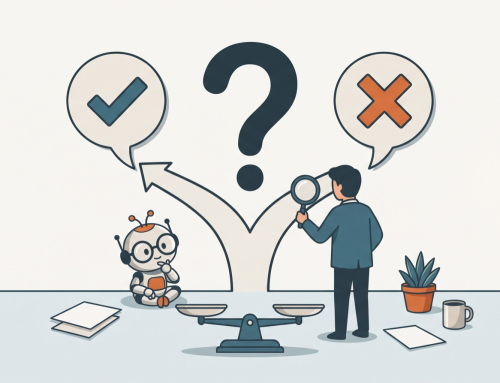
- Decide your review step before you build. Who checks the AI’s work, and when?
Previous: 2024: The year AI wrote 33 posts a month
Next: pick any 2026 topic on the AI Journey Chronicles page. The function that doesn’t exist is a good place to start.