
Copy, paste, FTP: what’s old is new
2026 · Browser chats and copy-pasted code · ChatGPT, Claude, Gemini, VS Code, FTP, git
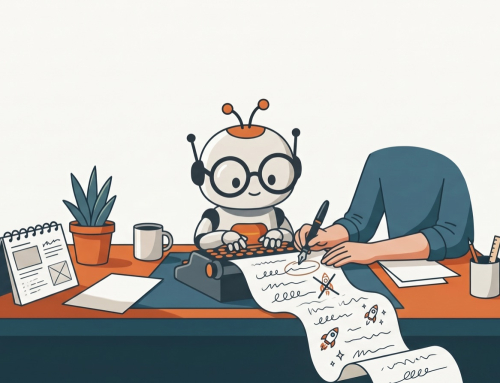
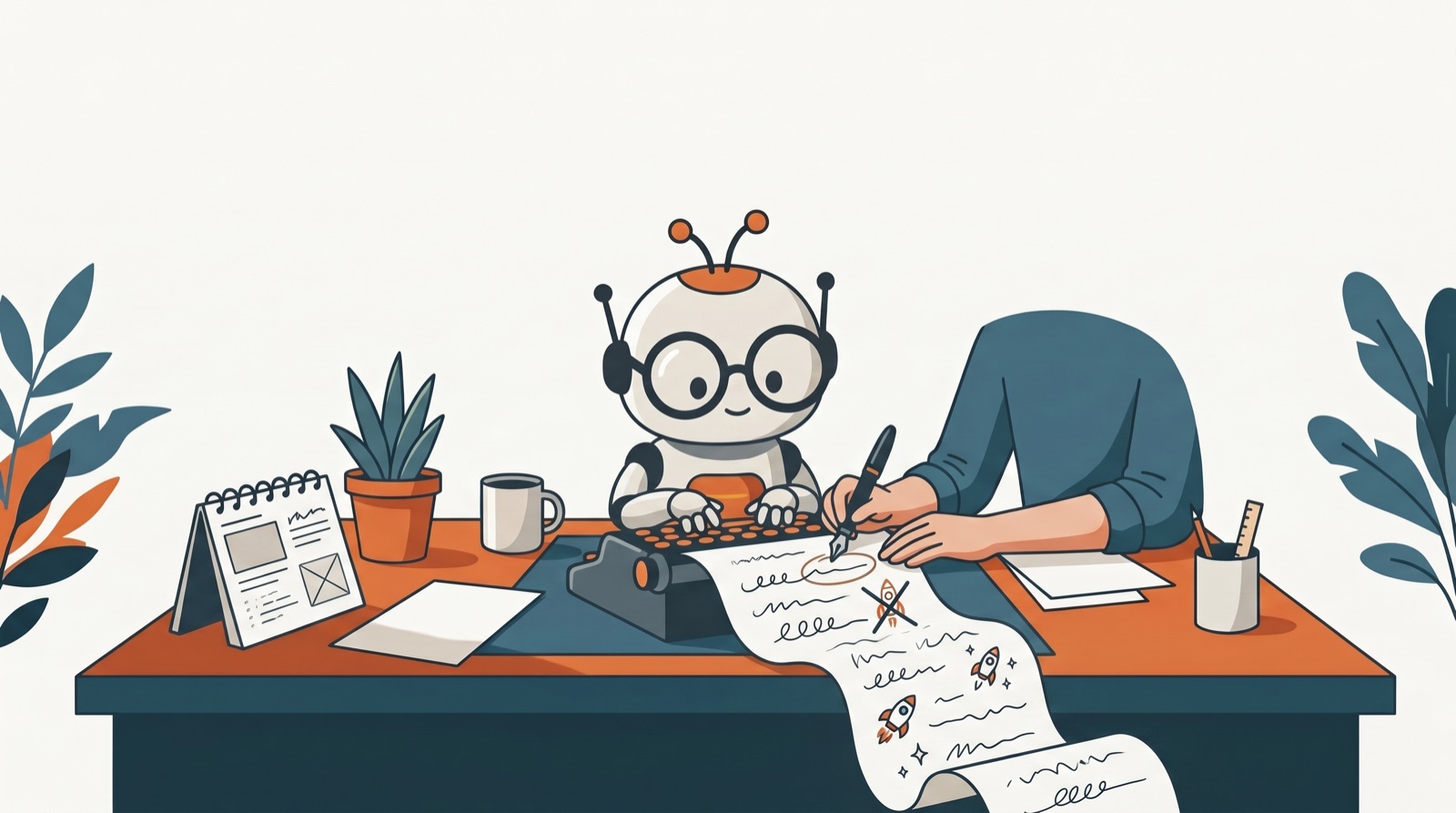
In March 2026 I described my workflow like this: “In the world of AI, I found myself hack vibe Code in copy pasting HTML into [VS Code]. Storing it into my local directory using an FTP client. To upload to my web server.”
That’s almost exactly how I built websites years ago with Dreamweaver. Write the page, save it locally, FTP it up, refresh the browser. The most advanced tools I’d ever used had sent me straight back to the oldest workflow I knew. My theory at the time: “what’s old is new.”
The loop
For about two years, most of the code I built with AI travelled through my clipboard. The loop never really changed:
- Describe the feature, or paste the code that already works.
- Get a complete file back.
- Paste it into FileMaker, VS Code or the server.
- Test it.
- Go back with exactly what happened.
My prompts from that period read like a person running a manual production line. “THIS WORKS, SEE IF YOU CAN IMPROVE IT.” “Do the same to this code.” And my favourite, from late 2025: “please compile the changes for me to copy and paste as a whole.”
Rules that came out of it
The clipboard era produced its own rules, and they still hold:
- Complete files, not diffs. A list of changes means finding the right spot by hand, and that’s where mistakes happen. A complete file replaces cleanly.
- Numbered steps. When a change touches the database, the server and the code, I want them in order.
- The exact SQL first. If the database has to change, show me that before anything else.
- Say what must not change. Paste the working version and name the one part you want different.
They mattered most on a small web app of my own. I don’t read or write PHP, so every line of it came out of a chat and went onto the server through the hosting file manager. I tried React early on, then dropped it for plain PHP and vanilla JavaScript, because simpler code was easier to move around by hand.
The same approach built a single-file database query tool through fifteen versions, and a single-file estimating tool through six. Each version was pasted in, tested on the real server, and the errors reported back word for word.
Where it hurt
The clipboard is a bad version-control system, and I proved it regularly.
Sometimes the mistake was mine. Once I pasted the wrong block and had to correct myself mid-message: “I might have pasted the img html, here is the EMAIL HTML again”. And every round trip through the clipboard is a chance for a long file to quietly lose a working piece. That’s why so many of my prompts start by naming what must not change.
Inside FileMaker I built my own answer: every widget’s HTML lives in a record, every iteration is kept, and rolling back means duplicating the last version that worked. For files on a server I eventually did the grown-up thing and started using git. A few things surprised me:
- commits don’t happen by themselves;
- an AI tool’s checkpoints aren’t a backup;
- the git folder should never sit inside the public web folder;
- a settings file committed early stays in the history even after you delete it.
What stuck
- Every hand-off is a risk. The more times code passes through a person’s clipboard, the more chances something gets dropped.
- Working code is sacred. Protect it first, then change it.
- Old workflows come back. Local copy, upload, refresh. The tools change faster than the basics do.
- Version control earns its keep the first time you need it. Start before then.
If you’re copy-pasting AI code today
- Ask for complete files and say which parts must stay exactly as they are.
- Keep the last working version somewhere you can get back to in seconds.
- Put the project in git, even if you’re the only person on it, and never inside your public web folder.
- When you’re ready, let the tool edit the files directly. That’s the next post in this story: half an app in 10 hours.
Related: The WebViewer obsession · Half an app in 10 hours · 2023: Goodbye to Google
Back to AI Journey Chronicles