
Half an app in 10 hours
2026 · AI coding agents · Claude Code, ChatGPT, PHP, Laravel, cPanel, GitHub
In September 2026 I opened a conversation with ChatGPT like this: “I’d like to have an exploratory discussion about how to price out these vibe-coded apps that I’ve been building through PHP Laravel, through [Claude] Code and cPanel, and it’s been lightning fast.”
And then, a little later: “I’ve been building a lot. I can build a whole half app with a whole bunch of things in a 10-hour span.”
I wasn’t asking how to build anything. I was asking what the work was worth, because the thing I used to charge for, the hours, had just shrunk.
What changed when the clipboard went away
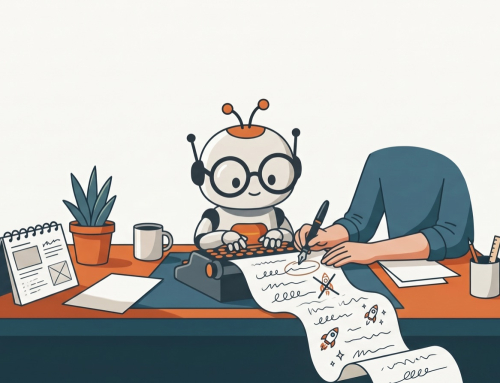
For two years, AI wrote code and I carried it. Every file went from a chat window into my clipboard and onto a server, and every round trip was a chance to break something. (That era has its own post.)
Claude Code removed the carrying. It works on the project folder directly: it reads the files, edits them, runs commands and checks the result. I describe what I want, watch what it does, and test.
The first questions I asked it were practical, and a little humbling:
- how to reconnect the desktop app to a project folder;
- the difference between the desktop app and the command line;
- how to compare my local files with what was live on the server;
- how to deploy from GitHub to my hosting;
- how to take payments without a plugin.
And one I’m glad I asked early: how does GitHub “know” when to save? It doesn’t. Commits are manual. The agent’s own checkpoints let you undo within a session, but they aren’t a backup. That distinction matters a lot more once something is editing your files for you.
A team of assistants
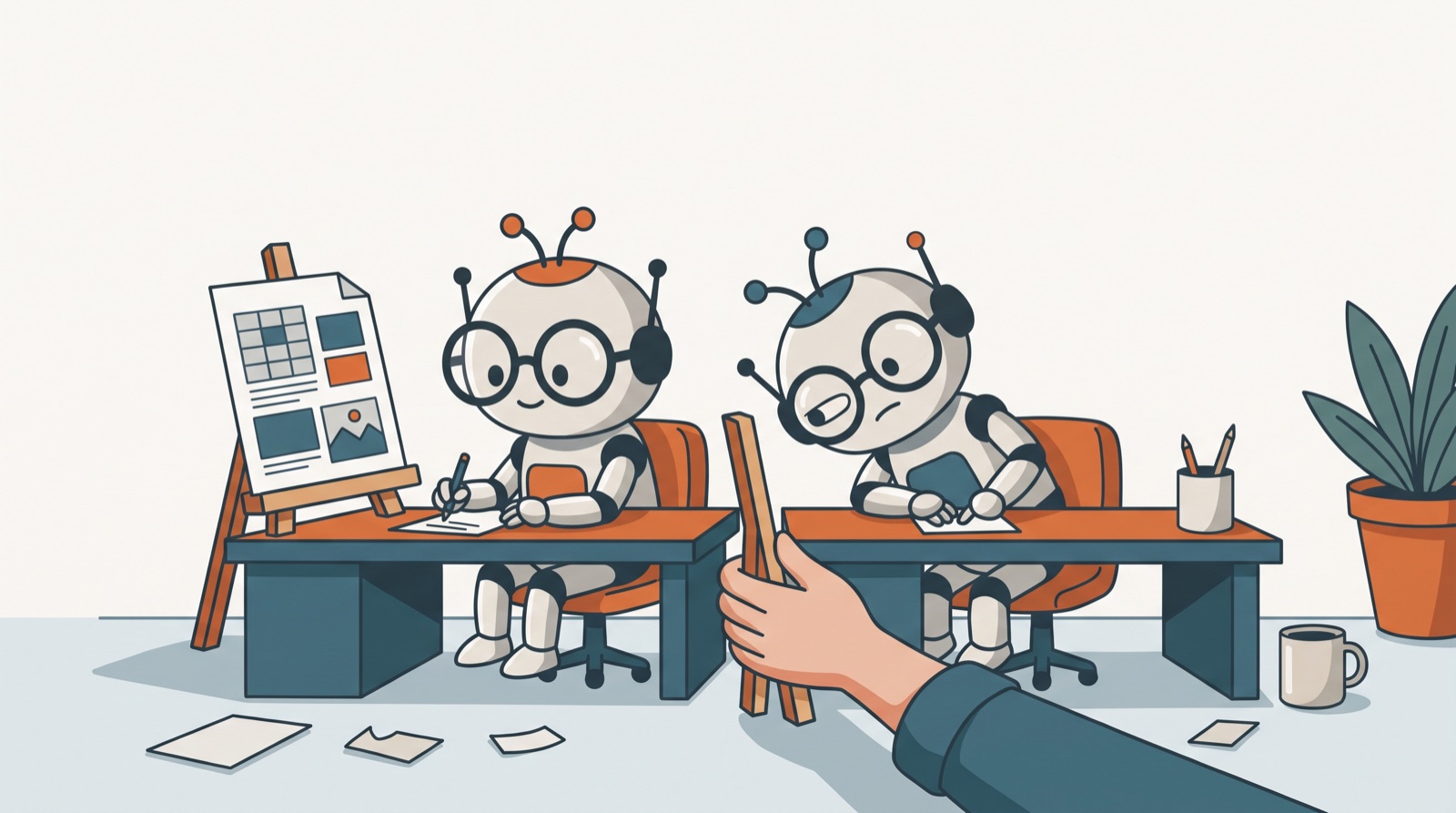
By then I wasn’t using one AI. I was using several, each for what it did best. ChatGPT became the place to think through architecture: the FileMaker Data API versus OData, MySQL versus PostgreSQL, how to make a web app embeddable on other people’s sites, how to keep each customer’s data separate. Claude Code did the building.
The moment I noticed it had become a workflow was a typo-filled request at the end of a long architecture chat: “giev me a summary of this caht so I can give to my other coding assistant”. One AI briefing another, with me in between as the person deciding what made it across.
When I asked how agents actually work, I ended up with my own explanation: underneath, they’re if/else scripts, with much richer analysis at each decision point. That’s less magical than the marketing, and much more useful when you’re the one deciding what it’s allowed to touch.
The job moved
Here’s what a 10-hour half-app really changed. The slow part used to be typing code I only half understood. Now the slow part is everything around it:
- Specifying what the system should do, clearly enough for an agent to build it.
- Testing what it built, on the real server, with real data.
- Challenging the parts that look right but aren’t.
- Deciding what ships.
The bottleneck moved from can I build it? to can I describe and check the right thing? That’s a better job, and it draws on exactly what I spent years learning on a print floor and inside FileMaker: how a business actually works.
The pricing question doesn’t have a neat answer yet
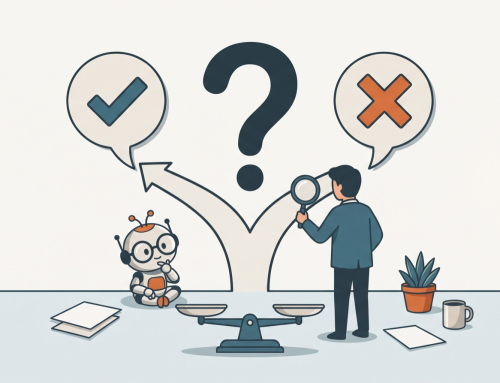
If a half-app takes 10 hours, billing by the hour punishes the person who got faster. The conversations I’ve had since point toward pricing the outcome and the ongoing care rather than the build: setup, hosting, support, changes as the business grows. I’m still working it out, and I suspect a lot of independent developers are too.
What stuck
- Speed changes the business question. Once building is fast, the value lives in knowing what to build and keeping it working.
- Commit like you mean it. Checkpoints aren’t backups. Git is.
- Use more than one assistant. One for thinking, one for building, and you in the middle deciding.
- The human job is specify, test, decide. That job doesn’t get smaller as the agents get better.
If you’re about to try a coding agent
- Put the project in git first, and commit before every big change.
- Start on a copy, never on the live system.
- Write down what you want in plain language before you open the tool: who it’s for, what it must do, what it must never do.
- Read what it changed before you accept it, at least until you’ve learned where it tends to go wrong.
Related: Rebuilding this website with Claude Code · Copy, paste, FTP: what’s old is new
Back to AI Journey Chronicles