
Rebuilding this website with Claude Code, one approved change at a time
2026 · AI coding agents · Claude Code desktop, WordPress, SSH, WP-CLI
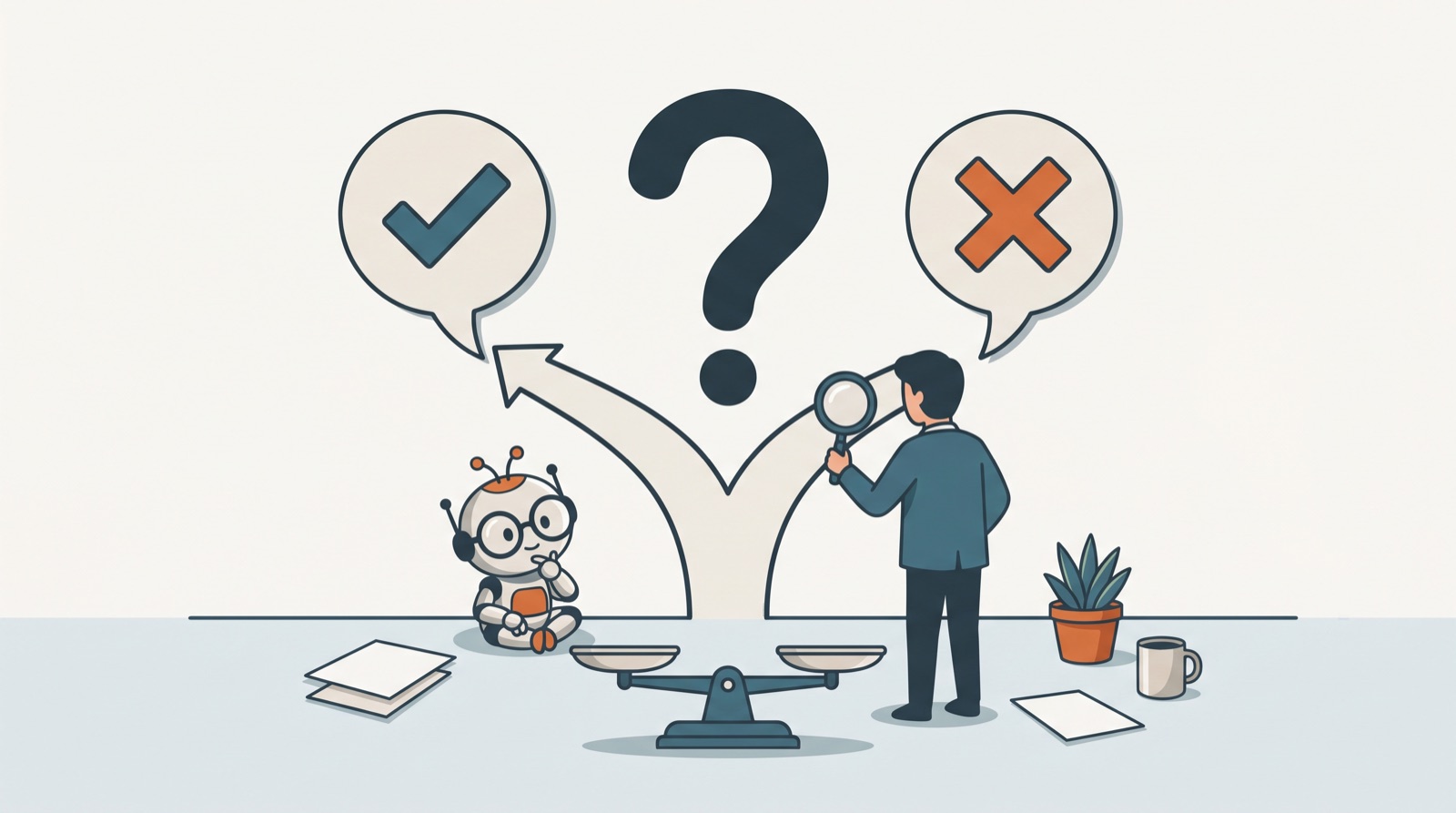
The website you’re reading was overhauled in one long evening in October 2026 by an AI coding agent working directly on the server. Every change went to a staging copy first, got backed up, ran as a script with a dry run, and reached the live site only after I said yes.
A year earlier, the same work would have meant copying text out of a browser chat and pasting it into WordPress page by page. Here’s what changed, and what didn’t.
Starting with an audit, not an edit
The first thing I gave Claude Code wasn’t a task. It was a pile of material: a WordPress export of every page and post, a database export, and the files from two earlier Claude projects where I’d been planning content. Then I asked what it saw.
The audit was humbling. Only one of 28 published pages had a proper SEO title. One post carried a meta description copied word for word from a different post. One image’s alt text was literally “TEST9999”. The Services, Resources and Research pages existed only as menu folders, with nothing on them. And the theme and the SEO plugin were both printing a description on every page, so search engines saw two.
None of that was hidden. I just hadn’t looked at the site the way a crawler does.
Setting up the guard rails
Before anything changed, we set up the conditions that made it safe to let an agent touch a live site:
- A staging copy of the whole site, hidden from search engines.
- Its own SSH key and its own WordPress user, so every edit it makes shows up under its own name in the revision history and can be switched off without touching mine.
- WP-CLI, WordPress’s command-line tool, which was already installed on the server even though the hosting control panel never mentioned it.
- A private GitHub repository where every script, log and decision is recorded.
Then the rules, written into the project so every future session follows them: staging first. Back up the database before every write. Every change is a script that can run as a dry run, refuses to run on the wrong site, and prints the before and after. Live changes need my explicit approval, batch by batch.
What a batch actually looks like
Each piece of work became a small batch: fix the SEO titles, rewrite a page, add alt text. The agent wrote the script, ran it as a dry run on staging, applied it, checked the pages, and showed me the result. I reviewed staging in my browser. If I approved, the same script ran against the live site, but only after its live dry run matched the staging one line for line.
Nine batches went live that evening, including:
- titles and descriptions for every page,
- a new home page, About page and three landing pages,
- reworded services copy,
- real descriptions for the 77 images the site actually uses.
Every one is logged with its backup.
The safety net worked on me, too
Claude Code has its own safety check, separate from the rules we wrote. Twice it stopped the agent mid-task.
The first time, it refused to rename a folder on the server on its own. It gave me the exact command instead, and I ran it myself in the hosting terminal.
The second time, I’d said “fix the link” about a page on the live site. The agent moved to run the change on live, and the safety check blocked it: a casual instruction didn’t count as approval for a production change. I had to say it plainly. Annoying for about four seconds, then reassuring.
Where it caught things I’d missed
The most valuable moments weren’t speed.
While writing alt text, the agent opened and looked at all 77 images rather than guessing from file names. It flagged screenshots that seemed to show client details, and asked me before describing them. It turned out they were my own projects. I’d still rather be asked.
While reviewing the services page, it noticed wording that leaned too close to a real client’s story, plus claims I’d written rules against making yet. Both came out.
And when a page started returning an error, it traced the cause to an old folder on the server sitting on the same address as a WordPress page.
Where I took the wheel
The first version of the new home page was clean and sensible, and I didn’t like most of it. I wanted my original slider and reviews back at the top. And the copy said “I build” too often. I see the work differently: the systems I’m proud of were built together with the people who run them, and they know things I never will.
So the agent rebuilt the page around what I wanted to keep, rewrote it without the “I”, and wrote the rule into the project’s voice guide. Every future draft starts from it. That’s the part I’d underline for anyone trying this: the agent is fast, but the judgment about what the site should say stayed with me.
If you’re about to try this
- Start with an export and an audit. Let the agent read everything before it changes anything.
- Give it a staging site. Nothing it learns on live is worth the risk.
- Make every change a script with a dry run and a backup. A dry run is a cheap way to catch surprises before they reach a customer.
- Keep the approvals human. Fast is only useful if you still decide what ships.
- Log everything somewhere you control. Six months from now, “why does this page say that?” has an answer.
Related: Half an app in 10 hours · Keeping your own voice when AI writes for you · The function that doesn’t exist
Back to AI Journey Chronicles